

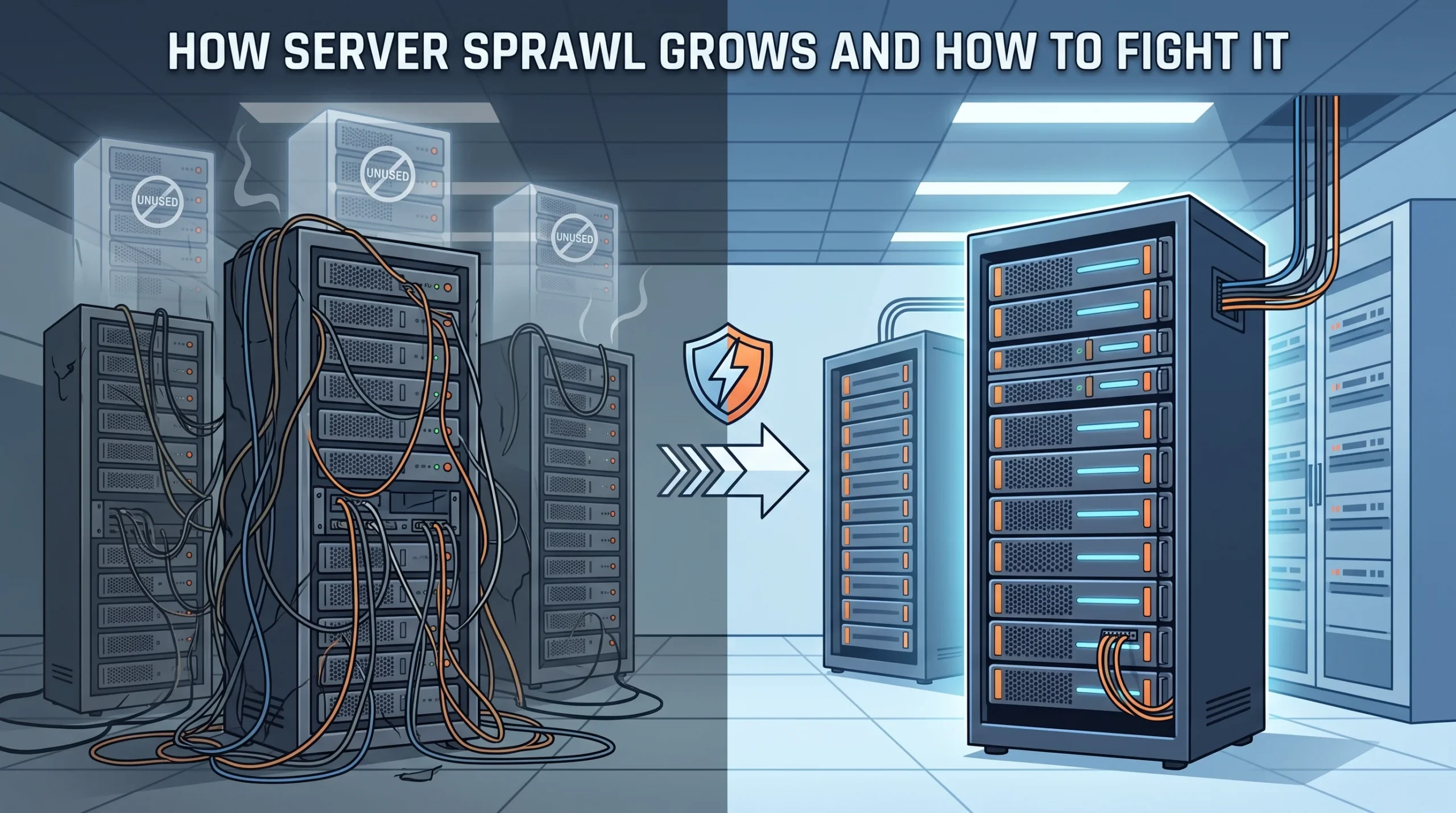
Some estimates find that 30% of on-site servers have delivered no useful computing for six months or more. The Uptime Institute’s 2026 Global Data Center Survey only found about 42% of operators collect server utilization data at all.
With these conditions, it’s easy to see how server sprawl can flourish.
Most teams treat sprawl as an efficiency problem and say the electricity to run unnecessary servers is just the cost of doing business. Power costs can add up, but that’s hardly the biggest issue.
Per-host software licensing, unpatched attack surface, and rack allocation are all the far greater costs that come with server sprawl. It’s important to learn how these challenges can come about before you implement any fixes.
Fast Facts: What You Need To Know About Server Sprawl
- Server sprawl means running more physical or virtual servers than your workloads justify, even at peak demand.
- An old idle server costs a few hundred dollars a year to power, while per-core hypervisor licensing on the same host can run into five figures.
- Proving a server is dead takes network traffic history, login records, and an owner search. A CPU graph can make an abandoned box look busy.
- There are a few steps you can take to address server sprawl:
- Reconcile inventory
- Prove idleness
- Consolidate onto denser hardware
- Put expiration dates on new VMs
- Move retired hardware out while it still has value.
What Is Server Sprawl, And Why It’s Easy To Miss
Server sprawl is the gap between the compute you run and the compute your workloads need at their busiest. Sprawl happens when there’s a lack of consistent vision and execution, and it usually arrives through one of five routes.
| Source | How It Starts | How You Can Tell |
| One application per server | A legacy policy of isolating every app on its own box | 2U hosts sitting at single-digit CPU for years |
| Mergers and acquisitions | Two companies each bring their own email, web, and file servers | Duplicate services under two naming schemes |
| Provisioning for a peak that left | Capacity bought for a launch, a season, or a customer that shrank | Utilization dropped after a date without record |
| Migration leftovers | Old hosts kept “just in case” after a cutover | Zero inbound connections since the migration date |
| VM sprawl | Creating a VM takes minutes, deleting one takes a meeting | No owner tag, no recent login, a long snapshot chain |
VM sprawl deserves a specific warning, because virtualization is the standard cure for physical sprawl. Consolidating 40 physical servers onto six hosts only helps if all 40 workloads were real. Carry the dead ones over as VMs and you’ve only made them cheaper to ignore.
Electricity Is The Cheapest Cost Of Server Sprawl
Run the power math on one server and it looks almost harmless. Assume 150 watts at idle, a PUE of 1.5, and $0.12 per kilowatt-hour: 150 W across 8,760 hours is 1,314 kWh, facility overhead brings it to about 1,970 kWh, and the annual bill lands at ~$237.
Now you need to factor in the licensing. Using Broadcom’s per-core VMware subscriptions bill as an example: every CPU at a minimum of 16 cores, so an R630’s two 10-core Xeon E5-2640 v4 chips bill as 32 cores. That’s roughly $350 per core per year at VCF list price, according to licensing analysts. This host carries about $11,200 a year.
The 16-core floor hits old, low-core-count hosts hardest. Six cores of phantom licensing per socket, multiplied across a few hundred aging servers adds up quickly.
A server with no owner rarely gets patched, so it keeps whatever BIOS, BMC firmware, and OS for as long as it’s running. An attacker scanning your network will find it even if your team has forgotten it.
There’s also the opportunity cost of any power allocated to unneeded gear. Every kilowatt a comatose server uses is a kilowatt you can’t give to the GPU node or high-core-count host you actually need.
Why Dead Servers Are So Hard To Find
CPU utilization is the metric everyone checks, but it can be misleading. A server can average 3% because it runs one critical batch job each night, while another sits at 20% running antivirus scans and monitoring agents for an application nobody has opened since 2021. Koomey and Taylor reached the same conclusion: identifying a comatose server takes upstream network traffic and user access data in addition to CPU and memory readings.
The second obstacle is organizational. The team that buys servers, the team that runs the applications, and the team that pays the power bill often work with separate budgets. Nobody is tracking whether a given box should exist. If it’s possible organizationally, you can solve this with a single owner and budget for the whole stack.
How To Fight And Prevent Server Sprawl And In 6 Steps
- Reconcile three versions of your inventory. Compare your CMDB or asset list against your switch port tables and PDU outlet readings. Anything drawing power that isn’t in the asset list is your first target.
- Verify idleness with traffic over time. Flag hosts with no meaningful inbound connections or interactive logins for 90 days, then search for an owner for each one. A server nobody claims within two weeks can move to step three.
- Run a scream test, carefully. Take a backup or snapshot, power the flagged host off, and leave it racked and cabled for 30 days. If nobody complains, it’s done. If someone does, you’ve found the owner and the documentation you were missing.
- Consolidate onto denser hardware. AMD estimates that about 14 dual-socket EPYC 9655 servers can match the SPECrate2017 integer throughput of 100 dual-socket Xeon Platinum 8280 servers, using up to 86% fewer servers and 69% less power. Vendor benchmarks always work better in a lab than in production, but the logic is clear. If your workload is running across fewer units, that’s fewer opportunities for sprawl to grow.
- Put an expiration date on everything new. Require an owner, a cost center, and a review date on every VM and physical host at creation. Flag anything past its date automatically.
- Move retired hardware out of the building. Uptime notes that shorter refresh cycles tend to make older equipment lose value faster. A consolidated server sitting in a storage cage for a year is still sprawl, just unplugged.
Sprawl grows one postponed decision at a time, and it shrinks the same way.
If your cleanup leaves you with a cage full of pulled hosts, find out what they’re worth before they lose another quarter of value. exIT Technologies buys used servers and handles onsite démantèlement, certified data sanitization, and logistics as a single project under our R2v3 certification.

 French
  English
  German
  Spanish
  Swedish
  Dutch
Dutch