

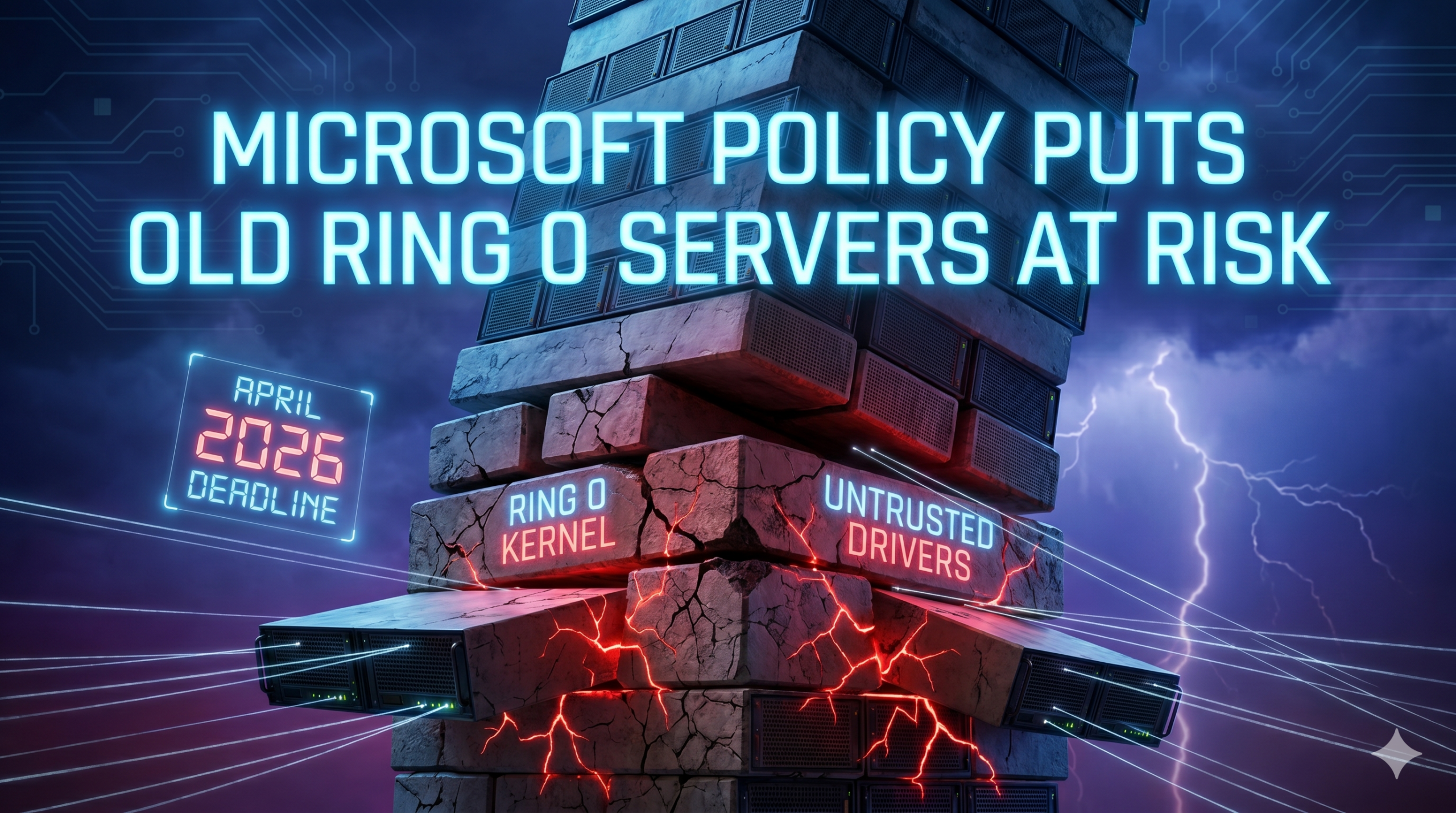
Imagine you’re building a jenga tower, then you suddenly need to remove all the lowest blocks. Data centers around the world will face this dilemma because of a new Microsoft policy.
Starting with the April 2026 Windows update, Microsoft is removing default trust for all kernel drivers signed under its deprecated cross-signed root program. This will target Windows 11 24H2, 25H2, 26H1, and Windows Server 2025. Every future Windows version will follow the same policy.
If you’re running servers with drivers that haven’t been through Microsoft’s Windows Hardware Compatibility Program (WHCP), you have a problem. To make things more difficult, these tend to be older servers running the foundation of all data center operations.
What Microsoft Actually Changed, And Why It Matters At The Kernel Level
This change was first set in motion in 2021, when Microsoft deprecated the cross-signed program. When active, it lets third-party hardware vendors authenticate their drivers without going through Microsoft’s own certification pipeline.
Here’s the mechanism: vendors signed their drivers using certificates from third-party certificate authorities, which Microsoft then countersigned. Those countersignatures are what established trust in the Windows kernel.
The certificates expired when the feature was deprecated, but Windows kept trusting the drivers. This backwards compatibility philosophy ensured that Microsoft wouldn’t pull the rug out from under millions of deployed systems.
At least until the end of the grace period. That’s April 2026 .
Kernel drivers aren’t ordinary application software. They run at Ring 0: the most privileged execution level in the operating system.
A kernel driver has near-total control over memory, I/O, and hardware. When something goes wrong at the kernel level, it doesn’t just generate an error log. It crashes the machine, corrupts data, or silently compromises every security control sitting above it in the stack.
The attack vector is called Bring Your Own Vulnerable Driver (BYOVD). The mechanics are straightforward: attackers load a legitimately signed but vulnerable driver, often from legacy hardware monitoring software, disk management utilities, or gaming peripherals. Then they exploit it to disable endpoint detection tools, escalate privileges, and move laterally before anyone notices. Because the driver is signed, most allow-lists and antivirus engines see it as trusted code.
Research from Nextgen Software estimates that roughly 25% of ransomware attacks in 2024 incorporated BYOVD techniques specifically to disable EDR systems before encryption. The LOLDrivers project has catalogued over 900 signed 64-bit drivers already known to be exploitable. Your old storage controller driver might be on that list. Your BMC firmware driver almost certainly hasn’t been audited against it.
Microsoft’s move doesn’t eliminate BYOVD entirely. But it closes the most obvious attack surface: the entire class of cross-signed drivers that were never subjected to WHCP’s validation requirements.
The Legacy Hardware Problem Nobody Wants To Talk About
The servers most likely to have non-WHCP drivers aren’t the ones you refreshed in 2024. They’re the ones you forgot about. It could be
- Industrial control integrations
- Storage controllers on aging hardware running specialized firmware
- Hardware security modules with vendor-proprietary kernel drivers.
- Network interface drivers for 10GbE cards that haven’t had a firmware release since 2019
- Hypervisor management agents that were installed once and never touched again.
None of these show up on a standard asset inventory as ‘security risk.’ They show up as ‘working infrastructure.’ At least until Microsoft’s deadline.
Microsoft is rolling the policy out in evaluation mode first. The Windows kernel monitors and audits driver loads for at least 100 hours across a minimum of three system restarts before enforcement activates. If all drivers loaded during that window pass the new trust policy, enforcement kicks in.
If any cross-signed driver fails the check, the system stays in evaluation mode and resets the counter. That’s a deliberate safety valve, but it also means organizations running problematic legacy drivers could stay in a perpetual semi-enforced state. That’s not the same as being protected.
| Driver risk factor | What it means for your infrastructure |
| Cross-signed certificate | Driver was never WHCP-validated; trust is being revoked in April 2026 update |
| Pre-2015 signing date | Certificate predates modern WHCP requirements; higher likelihood of no certified replacement |
| Vendor no longer active | No WHCP replacement will be issued; hardware may be permanently impaired post-update |
| Hardware >5 years old | Drivers likely haven’t been resubmitted to WHCP; check LOLDrivers project for known CVEs |
| No driver update since 2021 | Vendor stopped maintaining before WHCP became the enforced path; replacement availability unknown |
The hardware categories most exposed are:
- Servers running specialized storage controllers
- Systems with proprietary BMC or out-of-band management drivers
- Any equipment from vendors who went out of business or discontinued product lines before WHCP became the mandatory path.
If your infrastructure refresh cycle runs longer than five years, which it most likely does, you almost certainly have an affected system. You need to determine how many systems are in scope. Either you find out now or you’ll learn the hard way from an extended outage.
What WHCP Actually Certifies And What It Doesn’t
To get a driver signed through the Windows Hardware Compatibility Program, a vendor has to submit the driver through Microsoft’s Hardware Dev Center portal. Then it has to pass compatibility and reliability testing, and meet current code integrity requirements. Microsoft controls the signing keys. The vendor never handles the private key directly.
One of the persistent problems with cross-signed drivers was key management: vendors held their own private keys, and stolen keys led to legitimate certificates being used to sign malicious drivers. The BlackLotus bootkit in 2023 used an old cross-signed certificate to establish kernel-level persistence on enterprise systems. Microsoft’s security team documented 47 separate attacks leveraging cross-signed certificates between 2020 and 2025, each requiring emergency patches and certificate revocations after the fact.
WHCP eliminates that attack surface by centralizing key custody. It also forces drivers through a validation pipeline that tests against current Windows requirements instead of those that existed when the driver was first written.
Here’s what WHCP doesn’t certify: the underlying hardware. A WHCP-signed driver for a five-year-old server means the driver passed Microsoft’s current certification requirements. It doesn’t mean the server is current, secure, or appropriate for your infrastructure.
The driver is just the software layer. The hardware under it has its own lifecycle, its own firmware vulnerabilities, and its own end-of-support timeline.
Some organizations will treat WHCP compliance as a checkbox that keeps legacy hardware in service indefinitely. The reality is, it’s just one layer of the security stack. The hardware running under that driver still needs patching, accumulates known CVEs, and runs firmware that hasn’t seen an update since the vendor’s engineering team moved on.
The Refresh Decision: What the Math Actually Looks Like
Legacy hardware doesn’t just carry security risk. It carries a cost that most finance teams aren’t accounting for correctly.
Extended vendor support contracts for servers past their standard support lifecycle typically run 15-20% of original hardware cost annually. That’s on top of the power and cooling overhead that older, less efficient hardware draws compared to current-generation equipment. A Dell PowerEdge R730 pulling 400W continuous versus a current-generation R760 running the same workload at 280W is a real line item on the power bill. It’s compounded across every server in the same cohort.
Then there’s the incident cost. A single unplanned outage caused by a driver incompatibility event costs more in engineering hours, business disruption, and expedited hardware procurement than most organizations budget for a planned refresh. The difference is who controls the timing.
The servers most exposed to Microsoft’s April 2026 kernel trust change are also the servers most likely to be past their optimal refresh point on every other dimension.
Hardware that hasn’t been refreshed in five or more years was probably bought before WHCP became the enforced standard, runs drivers that haven’t been updated since the vendor’s support window closed, and carries compounding technical debt on multiple fronts.
Here’s the key question: is it feasible to keep this hardware running, and what can you do now that April 2026 is here?
What to Do About The Microsoft April Update
Microsoft’s evaluation mode gives you a window. Make sure you use it.
The first step is driver inventory. Forget software and networking: you need to evaluate your kernel drivers in production. Every server in your fleet needs to be audited for drivers that chain back to cross-signed certificates.
Microsoft’s built-in tools can surface this: the Windows kernel event logs will flag affected drivers during evaluation mode. You can also run sigcheck from Sysinternals against your driver directory to identify certificate chain information before the update touches your systems.
Cross-reference your driver list against two sources: the LOLDrivers project (loldrivers.io), which maintains a community-curated database of known vulnerable drivers, and Microsoft’s own vulnerable driver blocklist, which is updated through Windows Defender. If a driver on your system appears on either list, it’s an active attack surface right now. That’s a separate issue from the April update.
For drivers that fail the WHCP check and have no certified replacement available, you have three paths:
- Implement Application Control for Business policies with UEFI Secure Boot authority to allow the specific driver as an explicit exception
- Isolate the affected hardware from network segments where lateral movement would be consequential
- Decommission the hardware and recover the residual asset value before it depreciates further.
The exception path isn’t a permanent solution. Microsoft has been explicit: every future version of Windows will enforce the WHCP-first trust model. The allow-list exceptions that exist today are a compatibility bridge, not a supported long-term posture. Organizations that keep legacy hardware running through manual exceptions are managing a countdown, not solving a problem.
The decommission path is the only one that closes the exposure permanently. Depending on the age and configuration of the hardware, decommission offers a direct path to revenue instead of cost.
Conclusion
Microsoft’s April 2026 update didn’t create a new problem. It put a deadline on one that already existed. If you have legacy servers in your infrastructure with non-WHCP drivers, that deadline is now.
Those servers had to come out of production eventually, so this deadline can serve as a lesson as well. Anything that goes into your data center needs an offramp timeline. Set it and forget it hardware is a thing of the past.

 French
  English
  German
  Spanish
  Swedish
  Dutch
Dutch